
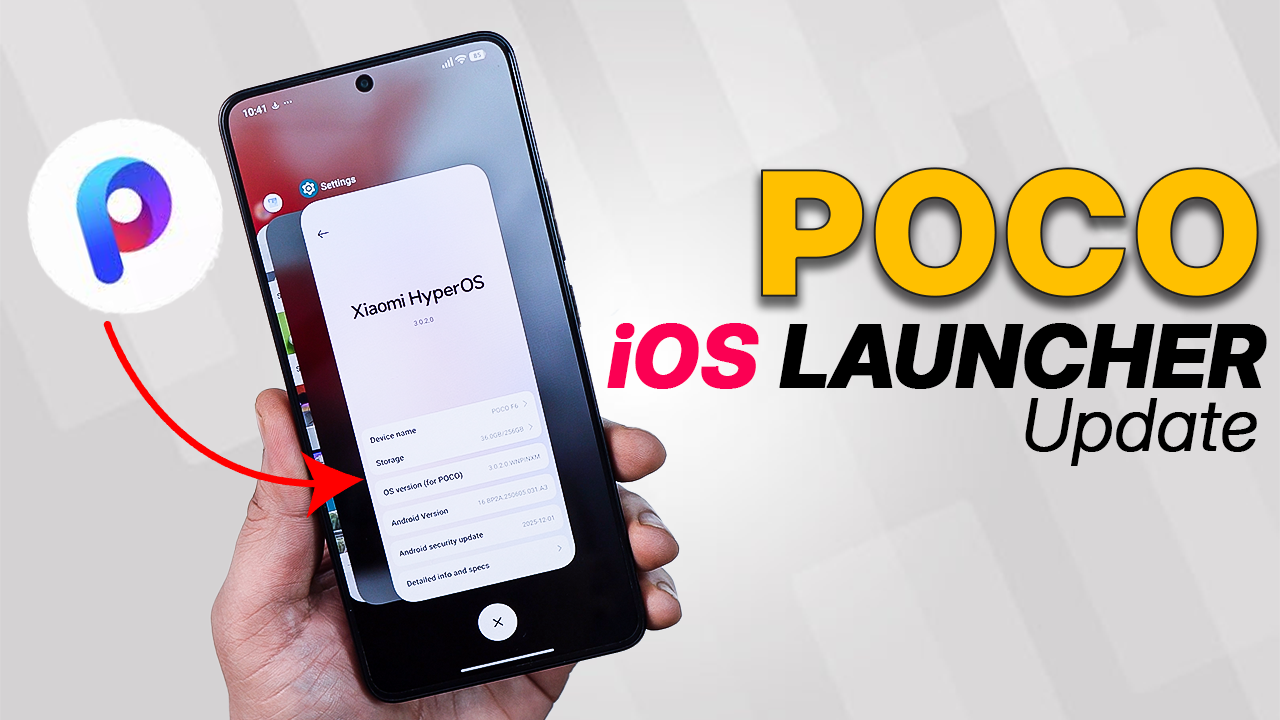
The latest POCO Launcher update finally introduces an iOS?style recent apps layout. Instead of the traditional Android grid or stacked cards, you now get a smoother, more fluid design that closely resembles Apple’s multitasking view
What Is the iOS-Style Drawer?
Traditionally, Android launchers use a vertical scrolling app drawer. The new iOS-inspired layout changes that experience:
-
Categorized app sections
-
Cleaner, grid-based layout
-
Smoother animations
-
More visual separation between apps
Instead of endless scrolling, apps feel more organized — similar to how iOS groups applications in its App Library.
POCO has always been about customization and performance. By adopting this iOS?style drawer, they’re bridging the gap between Android flexibility and Apple’s design finesse. For users who love the iPhone’s smooth multitasking but prefer POCO’s ecosystem, this update is a win.
Download Latest POCO Launcher update here
The new iOS-style drawer in POCO Launcher isn’t about copying — it’s about refinement. It gives users a cleaner, more organized experience without sacrificing customization.
If you enjoy experimenting with UI styles, this update is definitely worth trying. Would you prefer pure Android style or this iOS-inspired look?
Watch Video How to Install
.