
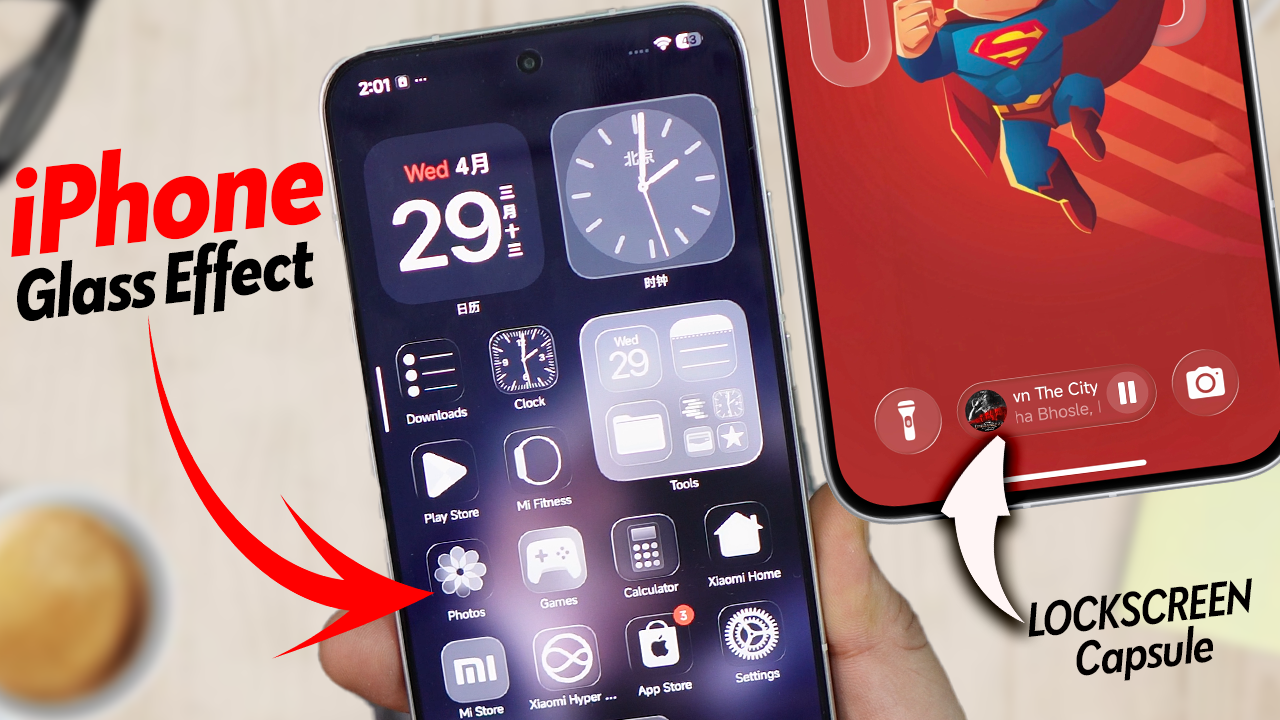
Apple’s iPhone has long been admired for its sleek design and signature Glass Blur effect. With HyperOS 3 themes, Xiaomi, Redmi, and POCO users can now replicate that same premium look directly on their devices.
What is the iPhone Glass Blur Effect?
The Glass Blur effect is a translucent background style used in iOS, giving apps and menus a frosted glass appearance. It adds depth, elegance, and a modern feel to the interface.
How HyperOS 3 Brings It to Xiaomi, Redmi & POCO
HyperOS 3 introduces advanced theme customization that allows users to:
- Apply blurred transparency to menus and widgets.
- Use frosted glass backgrounds for notification panels.
- Customize control center and app drawer with iPhone?style blur.
Steps to Enable iPhone Glass Blur
Why You’ll Love It
- Gives your Xiaomi, Redmi, or POCO phone a premium iPhone like feel.
- Enhances readability while maintaining a stylish look.
- Works seamlessly with HyperOS 3’s smooth animations.
Final Thoughts
With HyperOS 3 themes, you don’t need an iPhone to enjoy the Glass Blur design. Xiaomi, Redmi, and POCO users can now elevate their interface with this modern, elegant effect.