
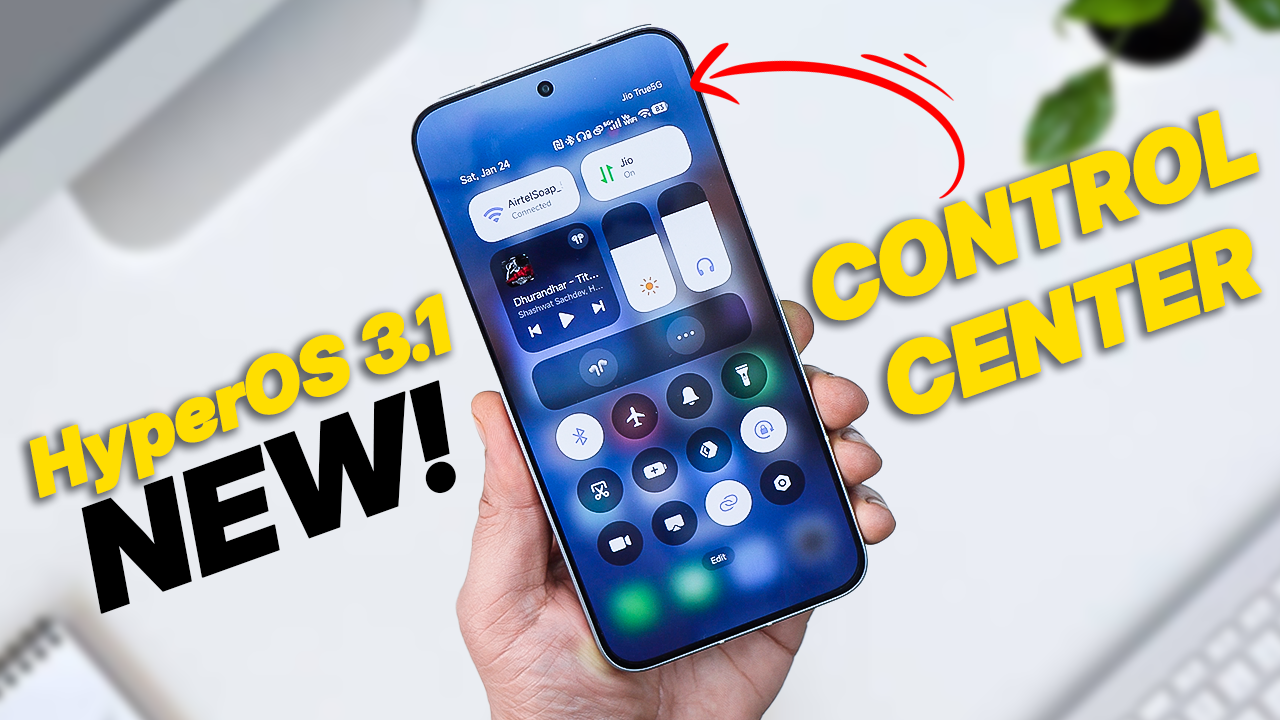
Xiaomi’s HyperOS 3.1 update is here, and it brings one of the most exciting changes yet – a completely redesigned Control Centre. If you’ve been waiting for smoother navigation, better customization, and a modern look, this update is worth checking out.
The Control Centre now looks more polished and modern. Animations are smoother, spacing feels balanced, and the overall layout is easier on the eyes—very much in line with Xiaomi’s push toward a premium UI experience.
The headline feature is the matured Super Island (formerly HyperIsland).
Dynamic Lighting: When you play music, the player tile in the Control Center now pulses with dynamic lighting effects that sync with the rhythm.
Live Status: Long-press the media player, and it expands into a mini-dashboard within the Control Center, allowing for deeper controls without leaving the shade.
Eligible Devices
HyperOS 3.1 is tied specifically to Android 16. The first wave of updates (starting Jan 22, 2026) includes:
-
Xiaomi Series: 15 Ultra, 15 Pro, 15, 14 Ultra, 14, 13 Ultra.
-
Redmi Series: Note 14 Pro+ 5G, K80 Pro, K80 Ultra.
-
POCO Series: F7 Ultra, F7 Pro, X7 Pro.
How to Download & Install (No Root Required)
If you haven’t received the OTA (Over-The-Air) update yet, you can manually trigger the new Control Center by updating your System UI Plug-in.
Download the APK
You need the latest version of the Xiaomi System UI Plug-in here
Open the downloaded APK and tap Update. Once installed, reboot your phone. This is crucial for the new animation shaders to load correctly. Swipe down from the top-right—welcome to HyperOS 3.1!