
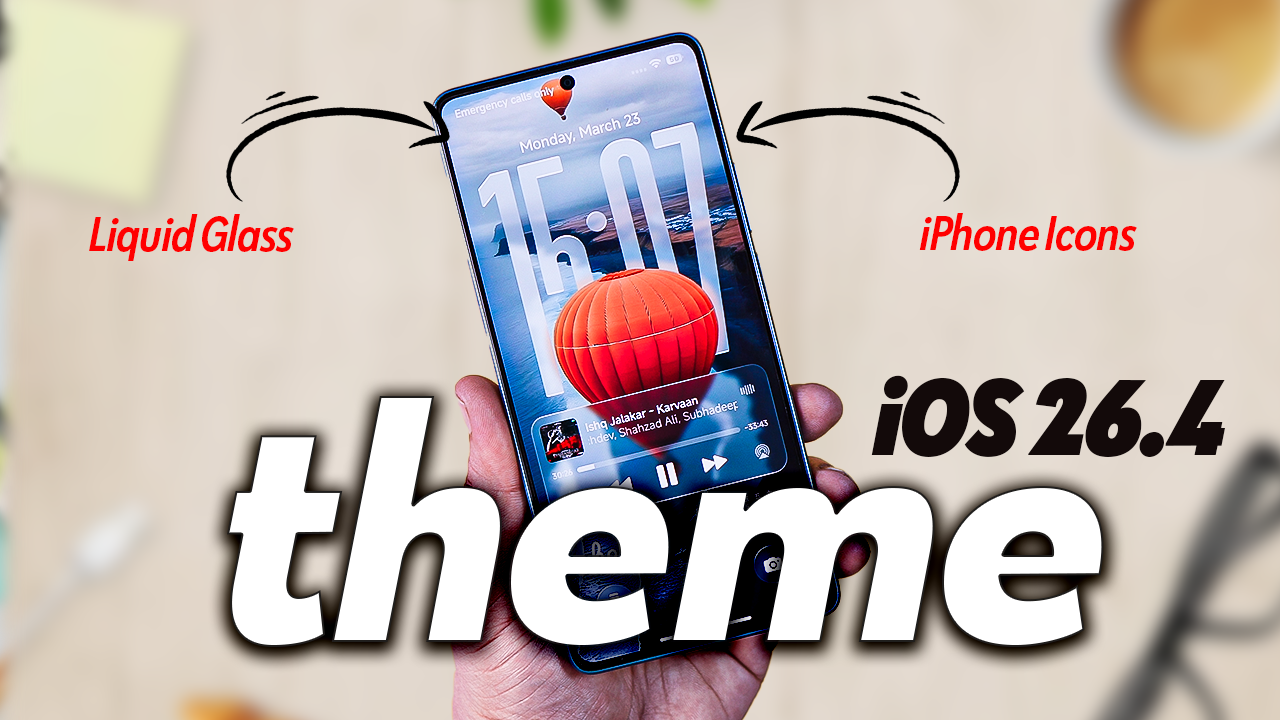
If you are a Xiaomi, Redmi, or POCO user, you know that the Themes Store is a goldmine for customization. But every once in a while, a theme comes along that completely changes the game. Today, we are diving into the iOS 26.4 Liquid Glass Theme—a futuristic UI overhaul that brings a premium, glass-morphic Apple aesthetic to your Xiaomi device.
The iOS 26.4 Liquid Glass Theme is a must-have for anyone who loves the “Glassmorphism” design trend. It’s lightweight, battery-friendly, and offers a level of polish rarely seen in third-party themes. It’s the perfect way to refresh your Xiaomi phone while waiting for the next big OS update.
Thanks to Xiaomi’s customization ecosystem, developers have recreated this look using themes and icon packs. These themes transform your phone with: Transparent Control Center, iOS-style lock screen, Redesigned status bar & widgets, and Smooth animations.
How to Install on Xiaomi Phones
- Download the Theme
- Apply via MIUI/HyperOS Themes App
- Go to Themes ? Import ? Select downloaded
.mtzfile. - Restart your phone for full effect.
- Go to Themes ? Import ? Select downloaded
If you want your Xiaomi phone to look like the latest iOS 26.4 with Liquid Glass aesthetics, this theme is one of the best options. It’s stylish, customizable, and gives your device a premium Apple-like feel without losing Xiaomi’s flexibility.